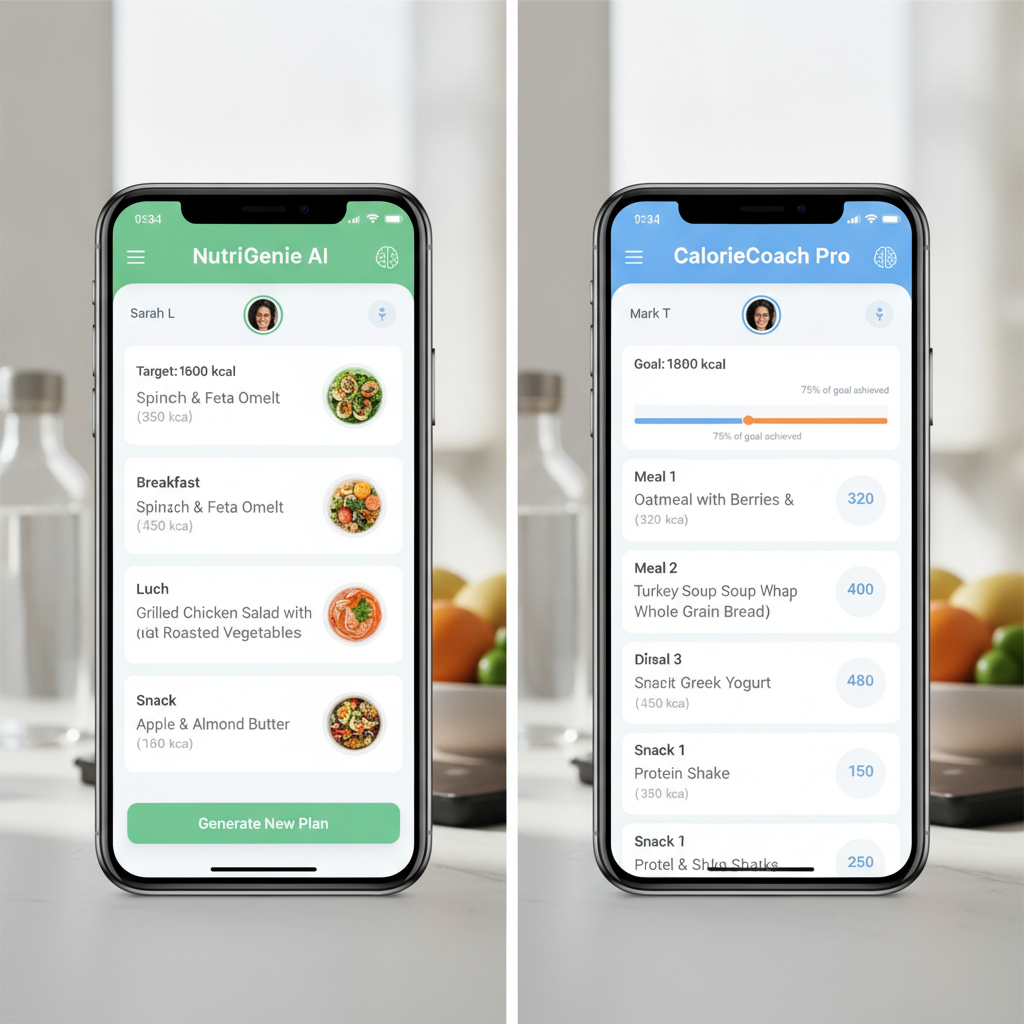
If a weight loss app gives you grilled chicken, broccoli, and brown rice for the fifth night in a row, it is not personalized. It is a spreadsheet with a nice logo. The new generation of AI-powered meal planning apps promises something better: menus that respect your calorie target, food preferences, cooking time, grocery budget, schedule, and actual cravings.
But here is the catch: not every app using the word AI creates realistic plans. Some build flexible meal ideas you can swap in seconds. Others still expect you to manually log every bite and call that personalization. If you are paying $40, $80, or even $200 per year, that difference matters.
Below is a practical comparison of leading weight loss apps and how well they turn quizzes, calorie goals, habit tracking, and food preferences into custom meal plans you can follow on a busy Tuesday night, not just admire on Sunday.

What Makes an AI Meal Plan Realistic?
Before choosing an app, use this simple test. A realistic meal planning app should do five things well:
- Set a sensible calorie target: It should consider your age, height, weight, activity level, goal pace, and ideally your diet history.
- Respect food preferences: Vegetarian, high-protein, Mediterranean, low-carb, dairy-free, gluten-free, picky eater, and cultural food preferences should not break the app.
- Offer fast swaps: If you hate salmon or forgot to buy Greek yogurt, you should be able to replace it without rebuilding the entire day.
- Connect meals to habits: The best apps track hunger, cravings, steps, sleep, water, and consistency, not just calories.
- Reduce decision fatigue: Grocery lists, batch-cooking options, leftovers, and repeatable meals make adherence easier.
Strategic reasoning: weight loss is not won by perfect menus. It is won by repeatable defaults. The best app is the one that lowers friction enough that you keep using it after the initial motivation fades.
Quick Verdict: Which Apps Create the Most Followable Custom Plans?
If you want the short answer, here is the current practical ranking based on customization depth, meal realism, ease of use, and value. Prices are approximate and can change by promotion, country, and billing cycle, so always check the app store or official website before subscribing.
1. Noom: Best for Psychology + Meal Guidance
Typical price: often around $70/month on monthly billing, with frequent discounted multi-month plans that may bring the effective cost much lower.
Noom is not the most advanced recipe generator, but it is one of the strongest choices if your biggest problem is not knowing what to eat and why you keep abandoning plans. Noom uses an onboarding quiz, calorie budget, food color system, educational lessons, weigh-ins, and behavior tracking to personalize your experience.
Best for: emotional eaters, yo-yo dieters, people who need coaching-style structure, and users who want habit change alongside meal guidance.
Pros: strong psychology framework, daily lessons, simple food categorization, habit accountability, social proof from millions of users.
Cons: meal planning can feel less recipe-driven than dedicated meal planner apps; pricing can feel high unless you catch a discount.
Reality check: Noom is ideal if you want the app to change your relationship with food, but less ideal if you want a full automated grocery list with seven days of precise recipes.
2. PlateJoy: Best for True Custom Meal Plans and Grocery Lists
Typical price: approximately $12.99/month or around $69 for six months, with occasional offers.
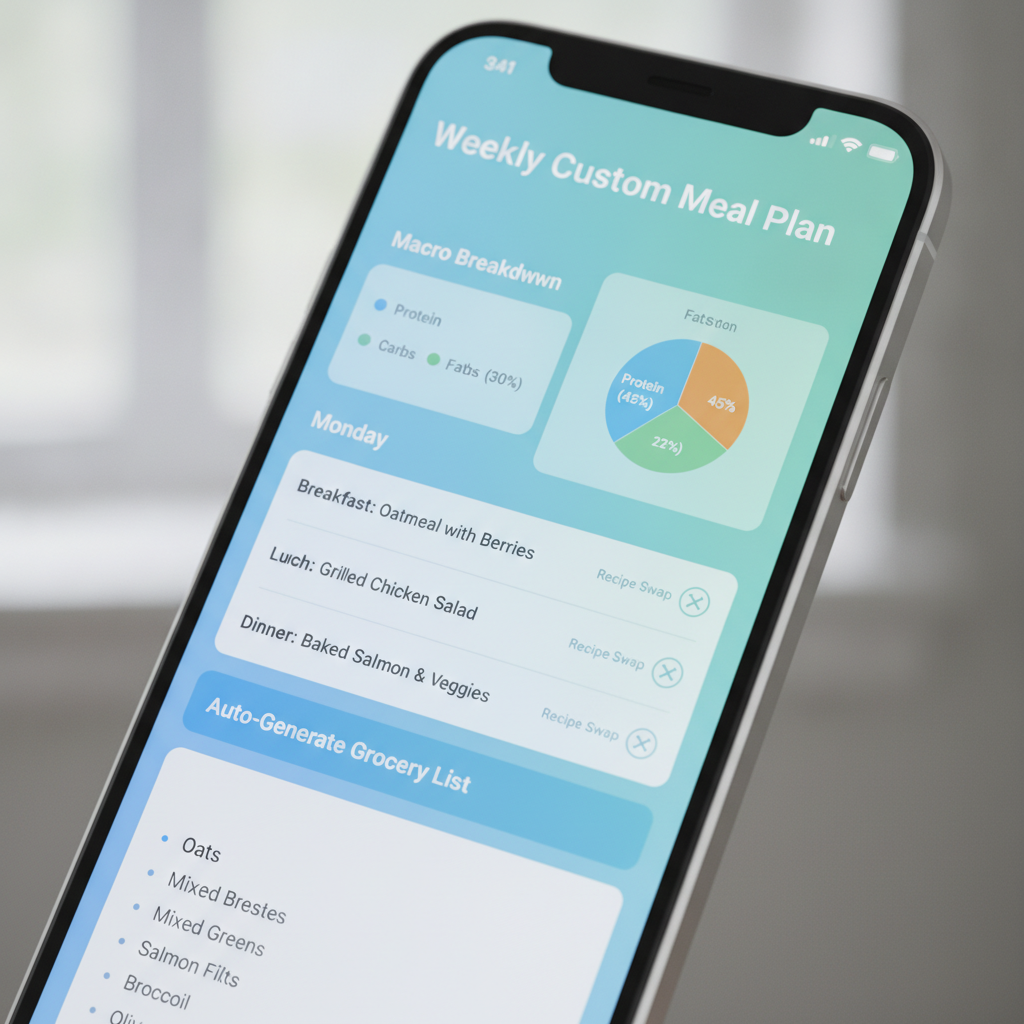
PlateJoy is one of the most practical meal-planning tools because it starts with a detailed quiz: diet style, allergies, household size, cooking equipment, ingredient dislikes, portion needs, and time available. It then creates weekly meal plans and grocery lists that can support weight loss when paired with calorie-aware choices.
Best for: people who cook at home, families, meal preppers, and anyone tired of manually building grocery lists.
Pros: excellent personalization quiz, strong grocery planning, reduces food waste, works well for specific diets such as low-carb, paleo, Mediterranean, vegetarian, or diabetes-friendly eating.
Cons: less focused on behavioral coaching; calorie tracking may not feel as robust as MyFitnessPal or Lose It!.
Reality check: If your failure point is “I open the fridge and panic,” PlateJoy may be more useful than a traditional calorie counter.
3. Eat This Much: Best Automated Meal Planner for Macro Targets
Typical price: free basic version; Premium around $8.99/month or about $84/year.
Eat This Much is built around automatic meal generation. You set calories, macros, diet style, number of meals, budget, and preferences; the app creates a plan. It is especially useful for people who want structure without hand-selecting every recipe.
Best for: macro trackers, gym-goers, high-protein weight loss, and users who want a meal plan generated quickly.
Pros: strong automation, macro-friendly, good for repeatable routines, budget settings, grocery lists.
Cons: some generated meals can feel odd or too repetitive until you train the preferences; recipe quality varies.
Reality check: This is the closest to “press a button and get a diet plan,” but you should spend 20 minutes adjusting dislikes, pantry staples, and meal complexity to make it livable.

4. Lose It!: Best Value for Calorie Tracking With Personalization
Typical price: free version available; Premium commonly around $39.99/year, often discounted.
Lose It! is a strong budget-friendly option for users who primarily want calorie tracking, barcode scanning, goals, and pattern insights. It uses user data to personalize calorie budgets and can support meal planning through saved meals, recipes, and goal-based tracking.
Best for: budget-conscious users, beginners, people who eat a mix of home-cooked and packaged foods.
Pros: affordable annual pricing, easy logging, barcode scanner, helpful reports, good food database.
Cons: not as powerful as PlateJoy or Eat This Much for automated weekly meal creation.
Reality check: Choose Lose It! if you want a cost-effective tracking system and are willing to build or repeat your own meals.
5. MyFitnessPal: Best Food Database, Less Meal-Plan Automation
Typical price: free version available; Premium often around $19.99/month or $79.99/year.
MyFitnessPal remains one of the most recognized calorie and macro tracking apps thanks to its huge food database, barcode scanner, recipe importer, and community familiarity. It is excellent for logging what you eat, but less impressive if you expect it to automatically generate a deeply customized weekly menu.
Best for: experienced trackers, macro-focused users, people eating restaurant and packaged foods often.
Pros: massive database, integrates with fitness apps, macro tracking, recipe tools, strong brand trust.
Cons: premium features can feel expensive; meal planning is more manual than AI-driven.
Reality check: MyFitnessPal is powerful if you already know your meals. If you need the app to decide dinner, look at PlateJoy or Eat This Much.
6. Cronometer: Best for Nutrient Accuracy
Typical price: free version available; Gold around $9.99/month or about $54.99/year.
Cronometer is excellent for people who care about micronutrients, fiber, protein quality, sodium, and detailed nutrition. It is popular among data-driven users because its database tends to prioritize verified entries.
Best for: detail-oriented users, athletes, people tracking protein, fiber, iron, vitamin D, or sodium.
Pros: high data accuracy, micronutrient tracking, biometric integrations, strong reporting.
Cons: not the friendliest app for automated custom meal plans; better for analysis than inspiration.
Reality check: Use Cronometer if you want precision. Pair it with a meal planner if you need recipe creativity.
How to Choose the Right App in 10 Minutes
Do not download five apps and hope motivation solves the problem. Use this decision shortcut:
- If you need behavior change: start with Noom.
- If you need weekly recipes and groceries: start with PlateJoy.
- If you want auto-generated meals by calories and macros: start with Eat This Much.
- If you want affordable calorie tracking: start with Lose It! Premium.
- If you already track macros and need a huge database: start with MyFitnessPal.
- If nutrient accuracy matters most: start with Cronometer.
Here is the practical buying tip most people miss: subscribe monthly only long enough to test the workflow, then switch to annual if you use the app at least five days per week. For example, paying $19.99 for one month of MyFitnessPal Premium may be cheaper than buying a year and discovering you hate manual logging. On the other hand, if Lose It! offers a $19.99 annual promotion, that can be a low-risk bet compared with a single takeout dinner.
The 7-Day Setup Plan for Better Results
Once you choose an app, do this before judging it:
Day 1: Complete the quiz honestly
Do not choose “very active” because you plan to become that person. Choose your current reality. Unrealistic calorie targets create hunger, binge risk, and app abandonment.
Day 2: Add dislikes and non-negotiables
If you hate cottage cheese, tofu, tuna, or oatmeal, remove them immediately. A personalized plan with foods you resent is not personalized.
Day 3: Build three default breakfasts
Examples: Greek yogurt with berries and granola; eggs with avocado toast; protein smoothie with banana and peanut butter powder. Repeating breakfast reduces decisions and improves consistency.
Day 4: Create emergency meals
Add two low-effort options: rotisserie chicken salad kit, turkey sandwich with fruit, frozen protein bowl, or eggs with microwave vegetables. This prevents the “nothing planned, order pizza” spiral.
Day 5: Use the grocery list feature
PlateJoy and Eat This Much shine here. Buy only what the plan needs for three to four days. Shorter planning windows reduce waste and make the plan feel less overwhelming.
Day 6: Track hunger and energy
If you are exhausted, cold, irritable, or constantly hungry, your calorie target may be too aggressive. Most sustainable plans aim for steady progress, not punishment.
Day 7: Review adherence, not perfection
Ask: “Could I repeat this next week?” If the answer is no, simplify the meals, increase convenience foods, or choose an app with better swaps.

Final Recommendation: The Smartest App Stack
If you want the most realistic custom meal planning setup, use one primary app instead of juggling everything. For most users, PlateJoy is the best choice for actual meal plans and grocery lists. If your priority is automatic calorie-and-macro meal generation, choose Eat This Much. If your main struggle is motivation, emotional eating, and consistency, Noom is the stronger behavioral option.
For tighter budgets, Lose It! Premium offers one of the best value propositions in weight loss tracking. For advanced users, MyFitnessPal or Cronometer can be excellent, but they work best when you already have a meal strategy.
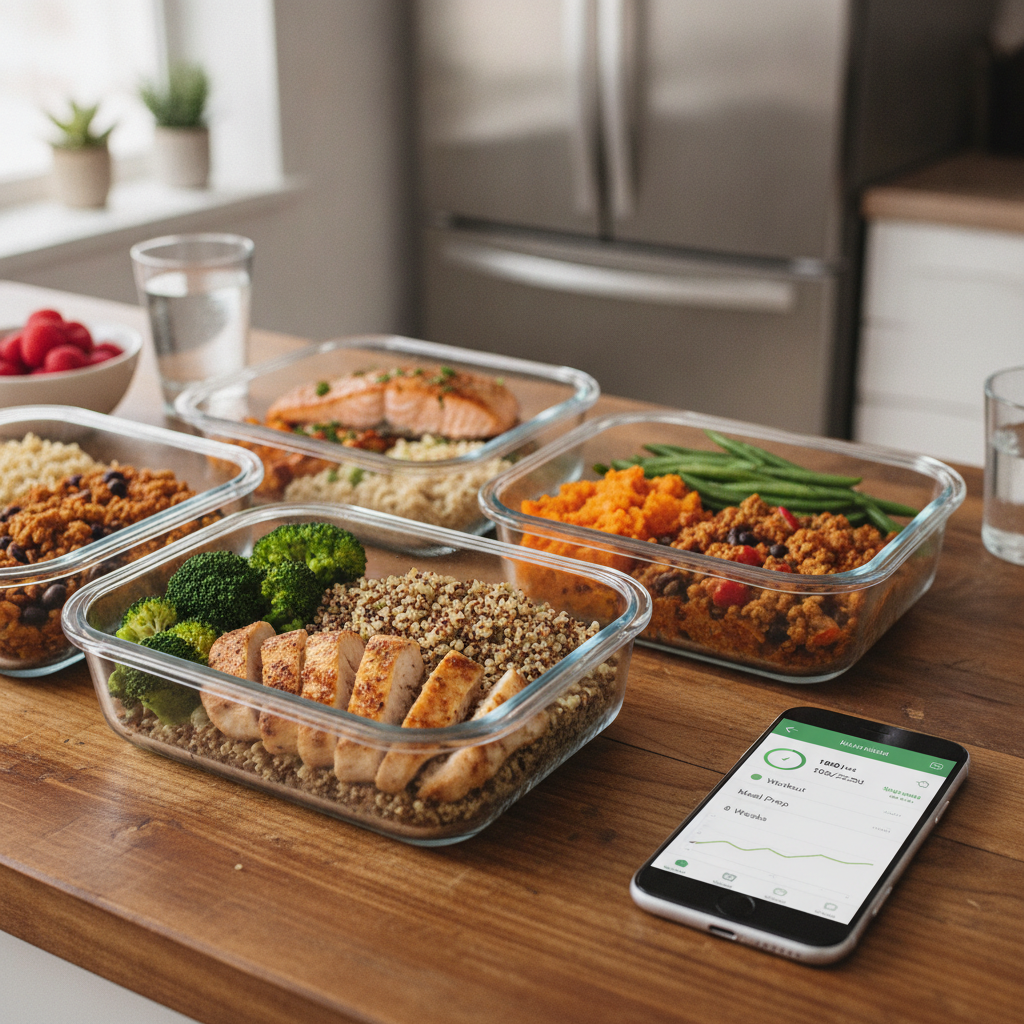
Call to action: Pick one app today, set it up for seven days, and test it with real meals before buying a long subscription. The best time to build your default meals is before the next busy week starts. Waiting until Monday night is how takeout wins.