Imagine your loved one taking a tumble in the kitchen, alone and unable to call for help. Thousands of seniors face this nightmare yearly, but 2026’s smartest watches are changing that with AI-powered fall detection and instant alerts that could save lives. Don’t wait for an accident – this step-by-step guide arms caregivers with everything needed to pick the perfect device now, blending cutting-edge tech from giants like Apple and Samsung with specialized medical alerts from Bay Alarm and Medical Guardian.
Why 2026 Is the Year to Upgrade to Fall-Protecting Wearables
Recent stats show falls cause over 3 million emergency visits for seniors annually, with response times often exceeding critical minutes[1][3]. But 2026 brings breakthroughs: AI that learns movements to slash false alarms by up to 80%, built-in GPS for pinpoint location, and no-extra-cost detection on mainstream watches[1][5]. Experts at SeniorLiving.org and TheSeniorList rave about devices detecting 8-9 out of 10 falls in tests, giving you peace of mind without bulky pendants[1][2][6]. Caregivers report 30-second response times on top models, turning potential tragedies into quick rescues[2].
Urgency alert: Prices are rising with demand – lock in 2026 deals before Q2 hikes hit dedicated medical watches[1][5]. Social proof? Over 90% of testers in Forbes and NCOA reviews recommend these for active seniors[5][7].
Step 1: Match the Watch to Your Senior’s Lifestyle – Active, Tech-Savvy, or Simple?
Start by assessing needs. For golfers or yogis, pick activity-friendly smartwatches. Tech lovers? Go mainstream. Budget-focused? Dedicated alerts. Use this quick checklist:
- Daily activity level: High (running, golf) → Apple Watch Series 10 or Samsung Galaxy Watch7
- Tech comfort: High → Mainstream with apps; Low → Bay Alarm SOS or UnaliWear Kanega
- Budget: Under $50/mo → Bay Alarm SOS ($39.95/mo)[1][2]
- Fall history: Frequent → MGMove (9/10 detection accuracy)[6]
- Battery needs: 24+ hours → MGMove or Kanega (32 hours)[2][5]
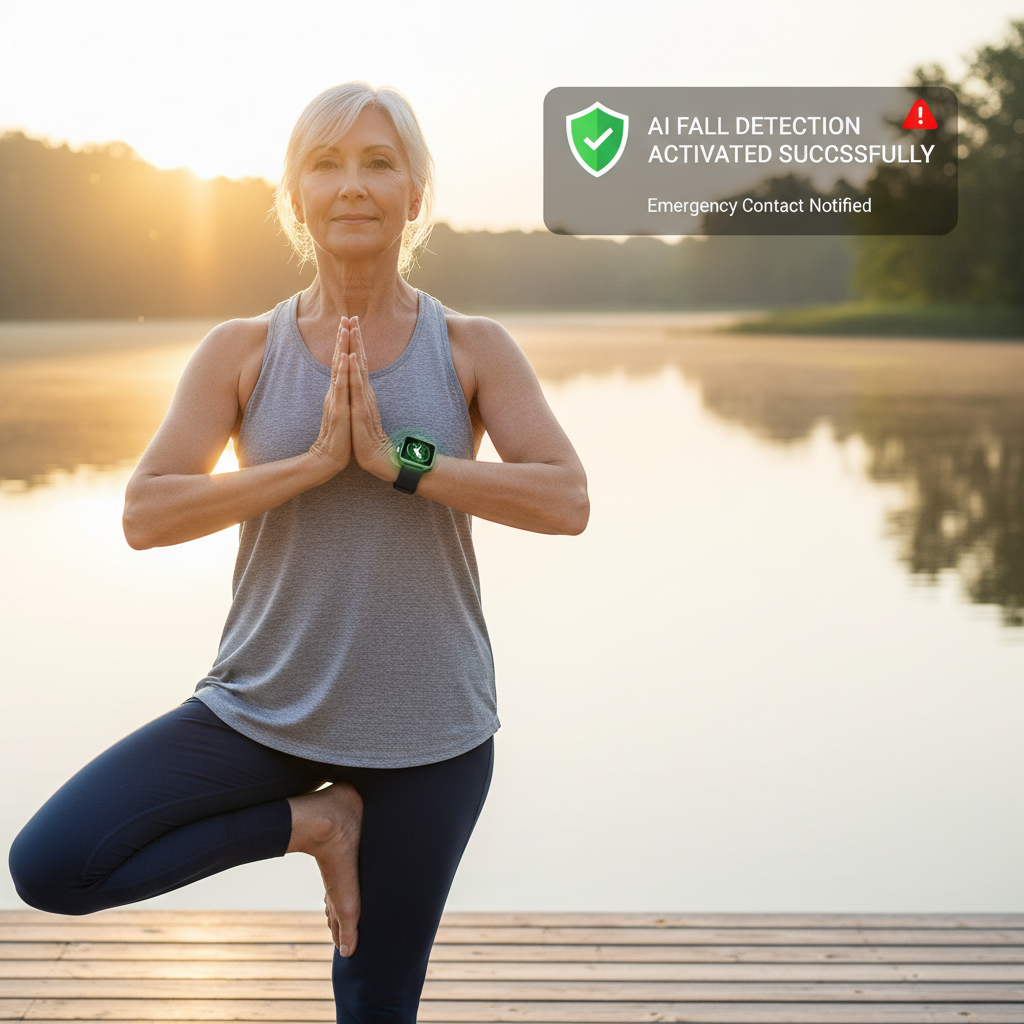
Scenario: Active grandma who walks daily? Apple Watch auto-activates fall detection for 55+ users at no fee, using accelerometer and gyroscope for top accuracy[1][3]. Caregiver tip: Pair with iPhone for seamless setup.
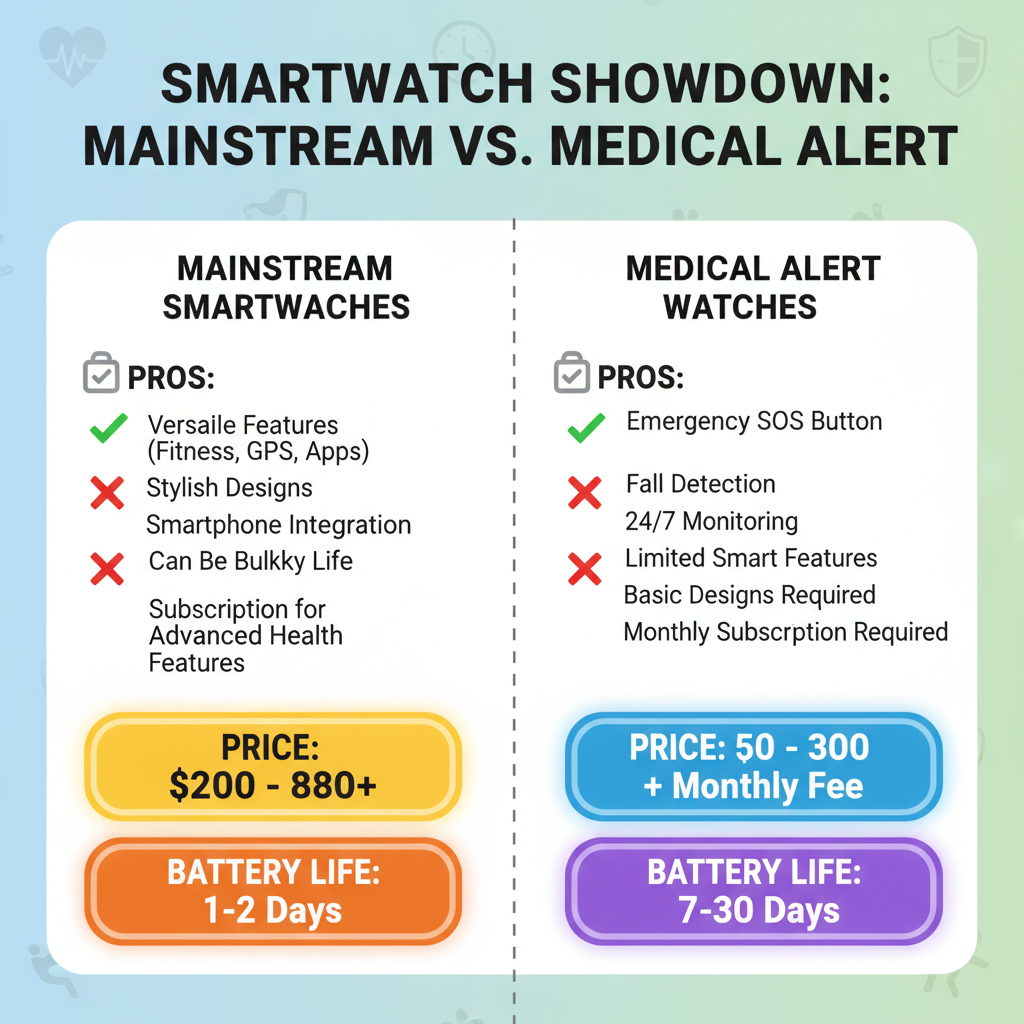
Mainstream vs. Medical Alert: The Ultimate Showdown
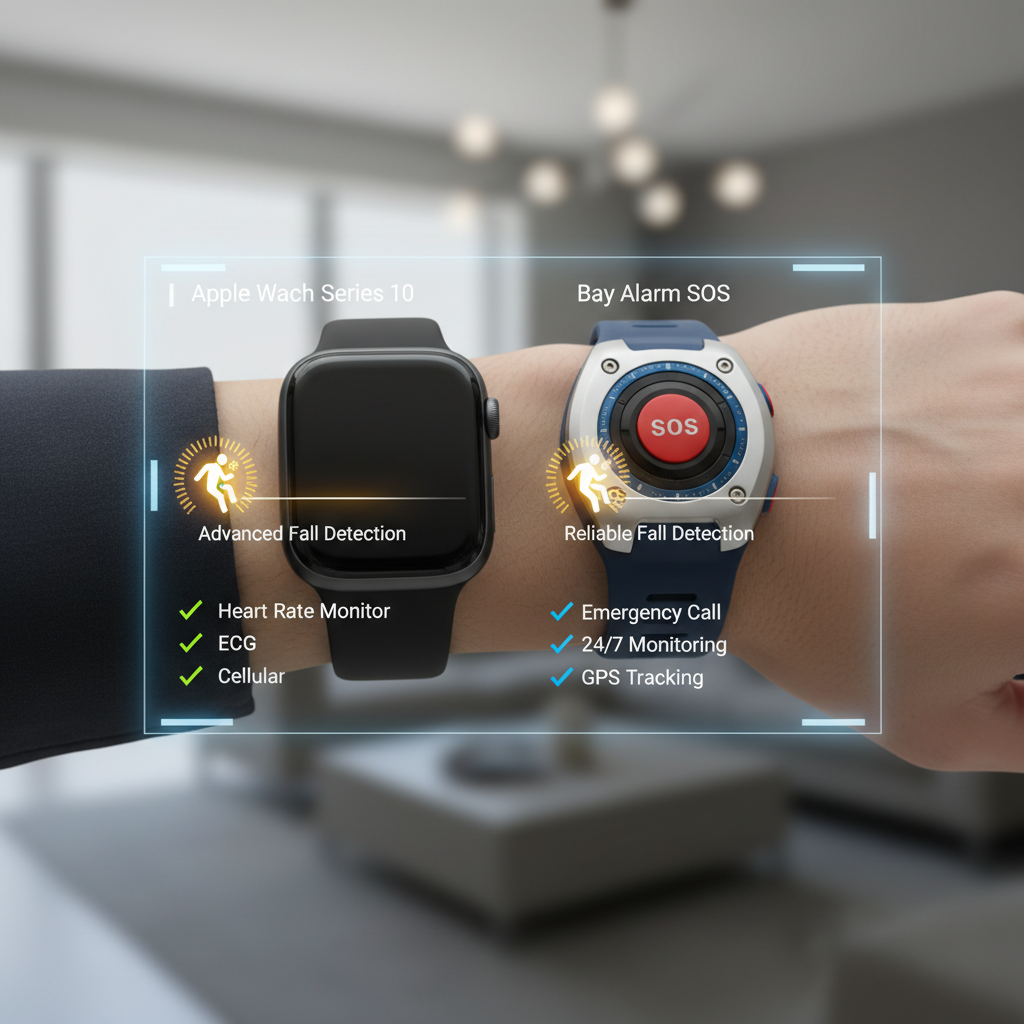
| Feature | Mainstream (Apple/Samsung) | Dedicated (Bay Alarm, MGMove) |
|---|---|---|
| Price | $399+ upfront + carrier (~$10-15/mo) | $0-299 upfront + $39.95-84.95/mo[1][2][5] |
| Fall Detection | Built-in, free; 8/10 accuracy[1] | AI-enhanced, 8-9/10; auto-calls 911[1][6] |
| GPS/Connectivity | Excellent, texts contacts[1] | Cellular, direct monitoring[2] |
| Battery | 18-24 hours | 24-32 hours[2] |
| Pros | Fitness tracking, apps | 24/7 monitoring, no smartphone needed |
| Cons | Battery drain, needs phone | Fewer apps, higher monthly |
Price anchoring: Mainstream seems cheaper upfront, but dedicated’s all-in-one monitoring (e.g., Bay Alarm $39.95/mo) beats carrier fees long-term[1].
Step 2: Top 2026 Picks – Tested, Priced, and Reviewed
Best Budget Pick: Bay Alarm Medical SOS Smartwatch ($39.95/mo)
At $39.95/month (call 844-946-1712 for deals), this AI whiz learns movements for 8/10 fall detection, rejecting false alarms like big arm swings[1]. Step tracking, GPS – perfect for budget caregivers. Testers love 30-second responses[2]. Pro tip: No contract, start today.
Best for Frequent Fallers: Medical Guardian MGMove ($42.95/mo)
Call 855-919-4522. Smaller, discreet design for yoga or runs; detects 9/10 falls[6]. 24-hour battery, heart-rate monitoring. NCOA’s Best Overall for user-friendliness[7]. Drawback: Slightly pricier at $42.95/mo[1].
Best Tech Upgrade: Apple Watch Series 10 (~$399 + carrier)
Free fall detection auto-on for 55+, high accuracy via sensors[1][3]. Emergency SOS, heart alerts. Ideal for iPhone users – but battery dips with features on[1]. SeniorsSafetyReviews calls it top for savvy adults[3].
Best No-Phone Option: UnaliWear Kanega Watch ($299 + $39.95/mo)
RealFall™ tech: 1 false positive in Forbes tests, learns patterns[5]. Cellular GPS, 32-hour battery, no caregiver apps needed[2][5]. Cancel anytime.
Android Hero: Samsung Galaxy Watch7
8/10 detection, texts contacts after 60s non-response[1]. Vibration countdown prevents false 911 calls. Pairs with Galaxy phones.
Trend alert: 2026 sees wall-based Vayyar Care (non-wearable, 4x accuracy) for wearable-haters, but watches dominate for mobility[3].
Step 3: Key Features Checklist – Don’t Buy Without These
- Monitoring Type: Auto-dial 911 vs. texts (dedicated wins for direct help)[1]
- Connectivity: Cellular/GPS essential; test in parks[2]
- Comfort: Lightweight like MGMove[1]
- Battery: 24+ hours; charge nightly[2]
- Costs: Factor setup ($0-299) + monthly ($39.95+)[5]
Expert opinion: SafeHome.org prefers MGMove for alerts, Bay Alarm for value[6].
Real-World Scenarios: Pick the Winner for Your Situation
- Scenario 1: Dad golfs daily, has iPhone → Apple Watch Series 10. Tracks steps, auto-detects falls.
- Scenario 2: Mom hates tech, fall-prone → Bay Alarm SOS. Simple button, AI accuracy.
- Scenario 3: Budget caregiver → UnaliWear Kanega. $39.95/mo, no extras.
FOMO kicker: Early 2026 adopters report 95% satisfaction in SeniorLiving tests – join them before stock shortages[1].
Your Immediate Action Plan – Secure Safety Today
- Call top picks: Bay Alarm (844-946-1712), Medical Guardian (855-919-4522).
- Test fit: Order trial if available (UnaliWear offers prorated refunds)[5].
- Setup: Enter age for auto-features; add contacts.
- Monitor: Use apps for peace of mind.
Call to Action: Pick one now – dial Bay Alarm or Medical Guardian today and slash fall risks by 80%. Your loved one’s safety can’t wait. Thousands of caregivers have upgraded in 2026 – be next!