Families often compare medical alert systems by the big, bold monthly price on the website—$29.95 here, $39.95 there—and assume they’re getting the full picture. They aren’t. The real cost of a fall‑detection subscription hides in activation fees, shipping, equipment rules, long contracts, and fine‑print cancellation terms that can add hundreds of dollars a year.
If you’re shopping for a medical alert with automatic fall detection, treat the contract like a used‑car purchase—not a phone bill. A 15‑minute review of the fine print can easily save $200–$500 over the life of the service.
Sticker Price vs. Real Cost: Why “$29.95/Month” Is Misleading
Independent reviews show that monitored medical alert systems usually advertise $20–$60 per month for basic service, with fall detection as an extra charge of $5–$15 per month on top.[1][5][4] Home‑based plans sit at the low end; mobile GPS systems run about $10–$20 more per month.[5] That headline number, however, ignores:
- Activation and “programming” fees
- Shipping and restocking charges
- Equipment purchase vs. rental terms
- Mandatory contract length
- Return windows and refund rules
National Council on Aging estimates a typical in‑home system costs $275–$485 per year and on‑the‑go systems $384–$519 per year before add‑ons like fall detection.[1] Add $10/month for fall detection and you’ve quietly increased that by $120 a year.
[Suggested image: A “$29.95/month” price tag with small-print fees and contract terms emerging underneath like an iceberg below the waterline.]
The Fine Print That Really Moves the Needle
1. Activation, Programming & “Enrollment” Fees
Some brands advertise a low monthly rate and then recoup profit through up‑front fees. For example, ADT Health’s Medical Alert Basic is advertised at $26.99/month with fall detection included, but carries a $99 activation fee.[3] Medical Alert’s mobile system lists $42.95/month plus a one‑time $99.95 programming fee.[7]
Others waive setup entirely. Bay Alarm Medical’s pricing comparison page clearly shows $0 activation/device fee for many of its fall‑detection‑equipped SOS plans, compared with competitors charging up to $198 in up‑front costs.[6] Over two or three years, that difference can be the equivalent of several months of monitoring.
Checklist: Before you commit, write down:
- Activation / programming fee: $___
- Shipping both ways: $___
- Any “enrollment” or “account setup” charge: $___
2. Fall Detection as an Add‑On vs. Built‑In
Most providers treat fall detection as a separate subscription line item:
- Many brands charge $10/month for fall detection on top of monitoring.[1][4][5]
- Medical Alert’s systems, for instance, typically add $10–$15/month for fall detection depending on plan and promotion.[4][7]
- LifeFone is a notable outlier with $5/month fall detection—half the common price—on several plans.[4]
Some plans bundle it in: ADT’s Medical Alert Basic explicitly lists fall detection as a built‑in feature at $26.99/month, while its Medical Alert Plus and On‑The‑Go systems make fall detection an optional add‑on.[3] Bay Alarm markets several “w/ Fall Detection” configurations (SOS All‑In‑One 2, SOS Micro, etc.) with bundled pricing such as $34.95/month with fall detection included and free shipping under promotions.[6]
Action step: Don’t just ask “how much per month?” Ask:
- “Is fall detection included in that price or extra?”
- “If extra, what is the exact monthly charge and can I turn it off later?”
3. Equipment: Are You Renting or Buying?
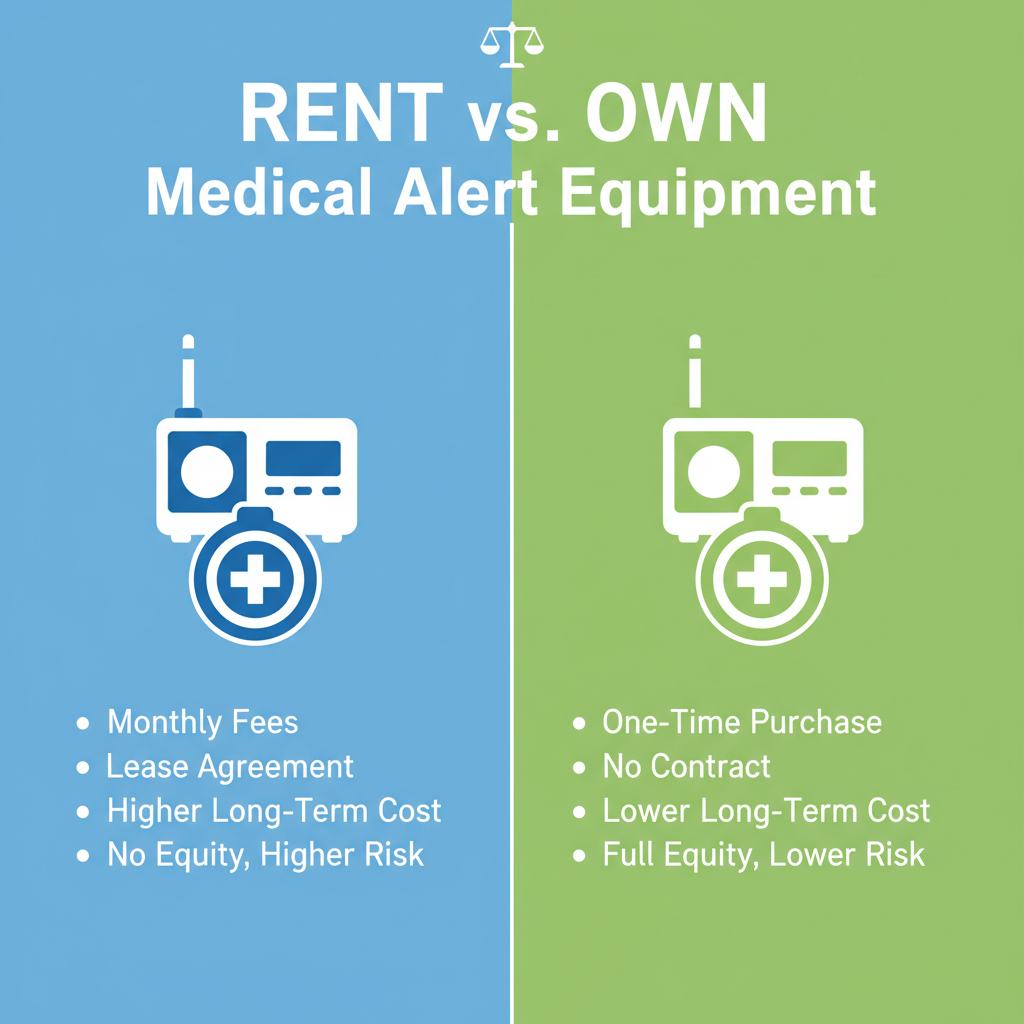
This is where many families get surprised. Most medical alert companies follow an equipment‑rental model: you pay the monthly fee, and the hardware remains the company’s property. You must return it at cancellation, often within a strict window, or face a replacement fee.
Some brands, however, sell certain devices outright. National Council on Aging notes smartwatch‑style systems where you pay for the watch (e.g., $159–$199 up front) plus a monthly fee for monitoring and optional fall detection.[1] In those cases, you may own the hardware but still be locked into proprietary monitoring.
Questions to ask sales reps:
- “Do I own this device, or is it a rental?”
- “If we cancel, what happens if the device is lost or damaged?”
- “Are there restocking or non‑return fees?”
[Suggested image: Side‑by‑side comparison graphic showing ‘Rent’ vs ‘Own’ equipment, each with typical costs and risk points.]
Contracts, Cancellation, and Refund Traps
4. Month‑to‑Month vs. Long‑Term Lock‑Ins
Industry‑wide, most medical alert companies promote month‑to‑month service, but a few still use long contracts with steep penalties.[5] SeniorLiving.org’s cost comparison shows most top providers with no long‑term contract, but at least one major brand requires a three‑year commitment.[5]
Life Alert is one of the most frequently cited examples of a restrictive agreement: it is commonly reviewed as using multi‑year contracts and higher-than-average prices, with base monitoring starting around $49.95/month plus one‑time fees of $95–$198—and no fall detection at all.[2] That combination means you pay more while still needing a separate solution for automatic falls.
Contract red flags:
- Commitments of 1–3 years
- Early‑termination penalties
- Auto‑renewal clauses requiring written notice
By contrast, companies like LifeFone and some Medical Guardian and Medical Alert plans emphasize month‑to‑month contracts, making it easier to cancel if a senior moves to assisted living or passes away.[4][5]
5. Prorated Refunds & Return Windows
Refund policies are where “friendly” marketing language can mask strict rules. Key variations include:
- Money‑back guarantees: Some brands offer 15–30 day guarantees on first purchase, such as a 15‑day money‑back promise noted in SafeHome’s review of certain systems.[4]
- Annual prepay risk: Discounts for paying annually are common, but refunds for unused months on early cancellation may not be guaranteed. Some providers refund unused months; others do not.[4][5]
- Return deadlines: You may have as few as 7–30 days to ship equipment back after cancellation to avoid extra charges.
Checklist before you sign:
- “If I cancel mid‑month, is my bill prorated?”
- “If I paid annually, do I get a refund for unused months?”
- “How many days do I have to return equipment, and who pays return shipping?”
Price Anchors: What “Fair” Looks Like Today
To avoid overpaying, it helps to know the going market ranges for fall‑detection‑enabled systems:
- Home‑based with fall detection: Typical effective range is about $30–$45/month when you combine monitoring plus a fall detection add‑on, assuming no long‑term contract and minimal up‑front fees.[1][4][5]
- Mobile/GPS with fall detection: Expect $40–$55/month all‑in for reputable brands, again with fall detection usually costing an extra $10–$15/month unless bundled.[1][4][5][7]
- Discount outliers: A few providers (e.g., LifeFone at $5/month fall detection) can drop the total below these anchors, especially during promotions.[4]
- Premium outliers: Systems like Life Alert with higher fees, activation charges, and no fall detection can exceed industry averages without offering that key feature.[2][5]
Bay Alarm’s SOS All‑In‑One 2 “w/ Fall Detection” at $34.95/month and $0 activation (under current promotions) is a good illustration of a transparent, mid‑market, all‑in price.[6] By contrast, a $26.99 plan with a $99 activation fee (like ADT’s Basic) effectively costs more over the first year than it appears at first glance.[3]
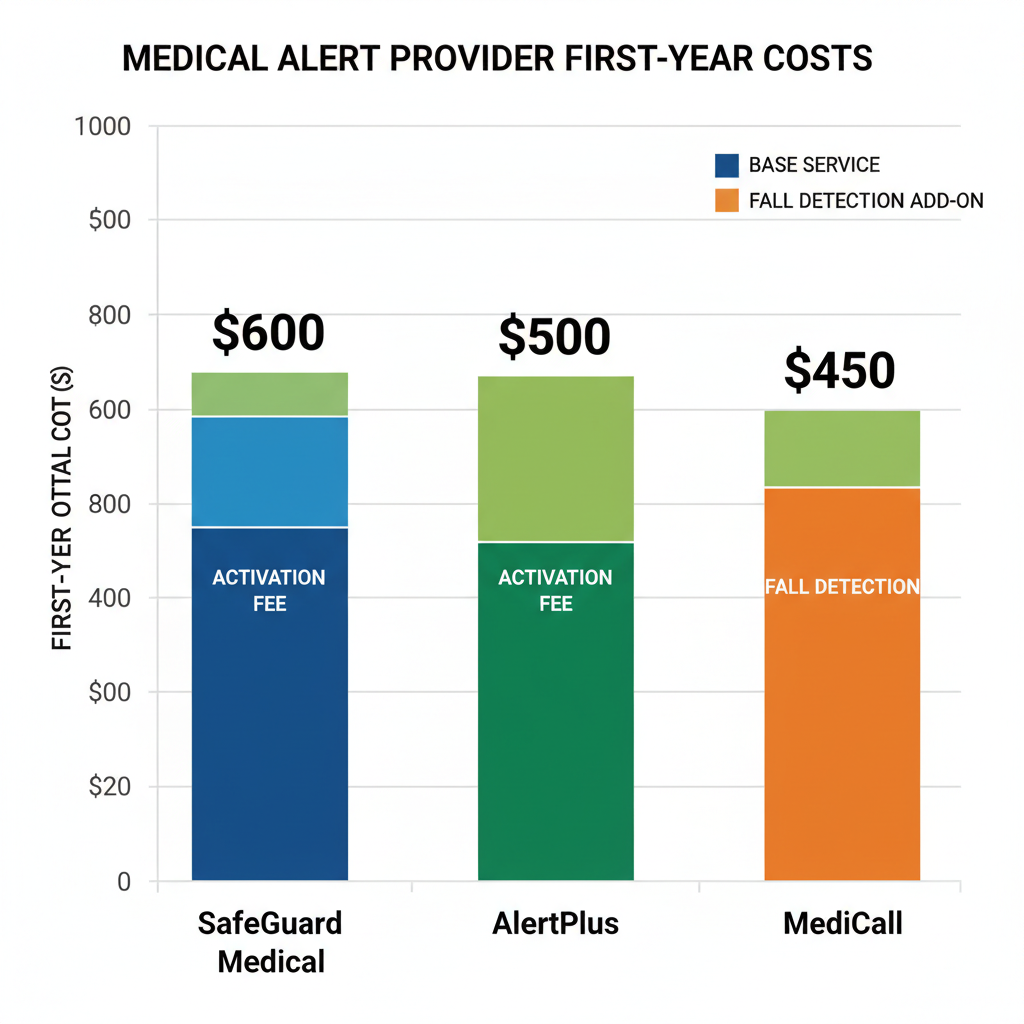
[Suggested image: A simple table‑style visual mocking up three fictional providers with all-in first-year cost bars, highlighting how fees change the true total.]
Step‑by‑Step: How to Audit a Quote in 10 Minutes
Step 1: Get the “First‑Year Total” in Writing
Ask the sales rep or chat agent to calculate your total first‑year cost including:
- Monthly monitoring x 12
- Fall detection x 12
- Activation / programming fees
- Shipping and taxes (if applicable)
Compare that number across at least three companies. You will often see a $200–$300 spread between superficially similar offers.
Step 2: Stress‑Test the “What Ifs”
Then ask, explicitly:
- “What if my loved one moves to assisted living in six months?”
- “What if they pass away—what documentation do you need and what remaining charges apply?”
- “How exactly do I cancel, and how much notice do you require?”
Companies that answer clearly and promptly, without evasive language, are usually the ones with more consumer‑friendly policies.
Step 3: Use Competitor Quotes as Leverage
Because many providers run frequent promotions—waived activation, free shipping, free month of service—it’s reasonable to say:
“Another company is offering $0 activation and $5/month fall detection. Can you match that?”
SafeHome’s and SeniorLiving.org’s comparative reviews show that pricing is far from fixed; promotions and discounts are common, especially when you mention other well‑known brands.[4][5] You may not always get a match, but you can often secure free activation or a discounted add‑on, saving $100+ immediately.
Final Take: Don’t Buy the Device—Buy the Contract
Fall detection can literally be lifesaving, but only if the service is affordable enough to keep month after month. Instead of being dazzled by sleek pendants and smartwatches, start by interrogating the paperwork:
- All‑in first‑year cost with fall detection
- Activation, shipping, and hidden fees
- Contract length and cancellation rules
- Refunds and equipment return terms
Call to action: Before you sign or enter a credit card, open a blank sheet of paper and write “Total Cost” at the top. Call or chat with each provider you’re considering—Bay Alarm Medical, ADT Health, Medical Guardian, Medical Alert, LifeFone, or others—and force every number onto that page: monthly fee, fall detection add‑on, activation, shipping, contract length, and refund policy.[1][3][4][5][6][7] If a sales rep can’t or won’t give you clear answers, treat that as your biggest red flag and move on.
Families who do this once never get burned by hidden fees again—and they often end up with a safer, more transparent system for less money.