Caring for someone with dementia or Alzheimer’s is not just about preventing falls in the bathroom. It’s about those 2 a.m. hallway walks that turn into front-door exits, the “quick stroll” that becomes three hours of wandering, and the split second when you look away in a parking lot and your loved one disappears.
That’s where modern, no-landline medical alert systems with GPS and cellular quietly become your back‑up brain: tracking location, creating safe zones, and connecting you to help when your loved one can’t explain what’s wrong.
Why Traditional “Pendant at Home” Systems Fail Dementia Families
Most classic medical alert ads show a fall next to a couch and a big base unit plugged into a phone line. For dementia and Alzheimer’s, the risk picture is very different:
- Wandering: Up to 6 in 10 people with dementia will wander at least once, and many repeat the behavior.
- Nighttime confusion: ‘Sundowning’ can lead to pacing, leaving the house, or unsafe trips down stairs.
- Poor insight and communication: Your loved one may not recognize danger, call 911, or explain their location.
- No landline: Many caregivers rely on mobile and internet only, making old-school landline-based systems useless.
So instead of asking “What’s the best medical alert system without a landline?”, a more useful question is:
“Which GPS/cellular medical alert setups realistically help when my loved one wanders, falls outside, or wakes confused at night?”
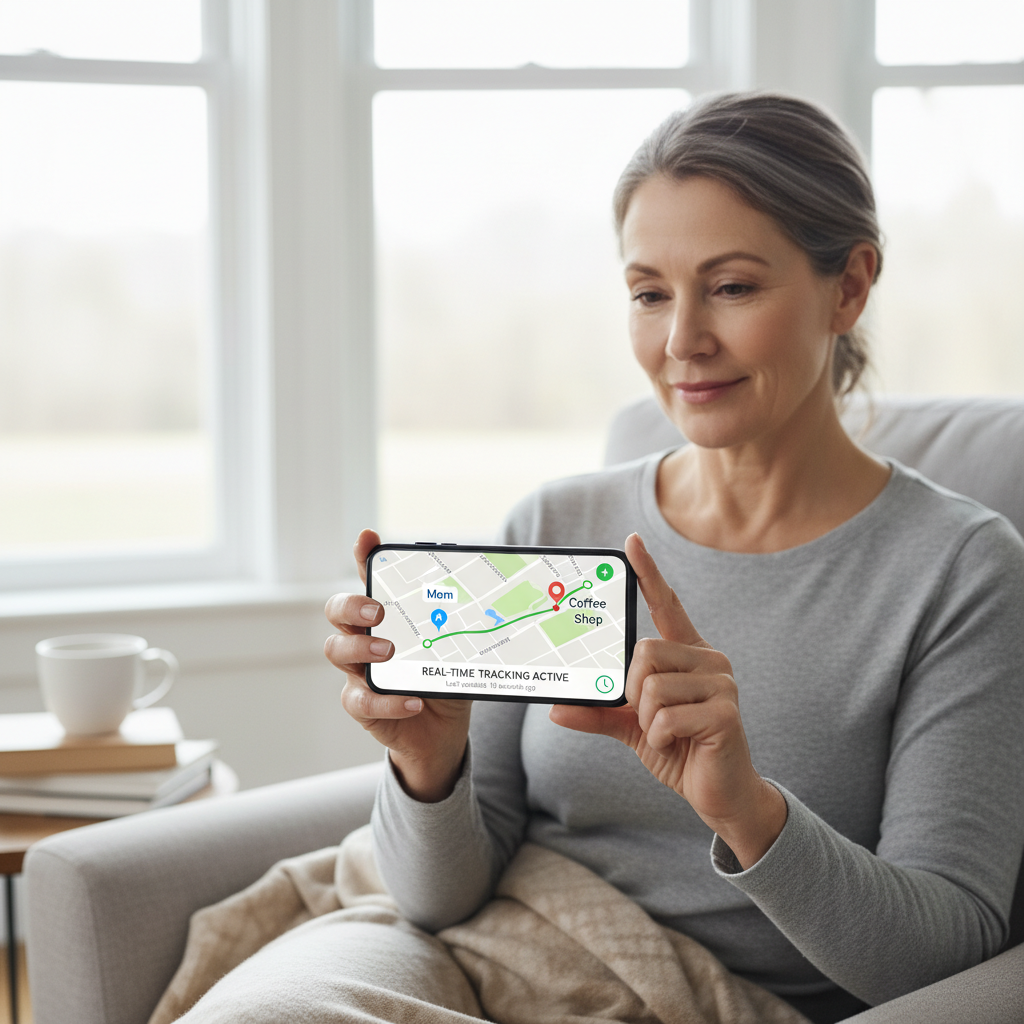
[Image suggestion: A middle-aged caregiver looking at a smartphone app map showing a loved one’s real-time GPS location, with a calm, reassuring expression.]
The Must‑Have Feature Stack for Dementia & Alzheimer’s Safety
1. True GPS + Cellular, Not Just “Works Around the House”
For a person who may step outside without warning, you need nationwide cellular coverage plus GPS, not just a base station radius. Systems like Medical Guardian’s Mini Guardian and mobile lineup use 4G LTE and GPS to locate the user on the go, with monthly plans typically starting around $39–$44.95 for mobile units.[2][3]
Lifeline’s On the Go and On the Go Mini also use advanced GPS so responders and caregivers can know where your loved one is if they press the button or a fall is detected.[4]
2. Automatic Fall Detection (Because They Won’t Always Press the Button)
Many people with dementia simply won’t remember—or understand—how or when to press an emergency button. That’s why automatic fall detection is critical.
- Bay Alarm Medical offers fall detection add‑ons with its mobile GPS devices (like the SOS All‑In‑One 2), typically an extra $10/month on top of service.[2][3]
- LifeFone is known for inexpensive fall detection and no activation or equipment fees on many plans, with 30‑day money‑back and price‑lock guarantees—helpful when you’re budgeting long‑term care.[2]
Is fall detection perfect? No. But in dementia care, even a 70–80% detection rate can be the difference between a quick rescue and hours on the floor.
3. Real‑Time GPS Tracking & Caregiver Apps
This is where the best no‑landline systems become dementia-specific tools, not just emergency buttons.
- Bay Alarm SOS All‑In‑One 2 uses 4G LTE with GPS and offers caregiver app access so you can check location and get alerts, at a generally lower monthly cost than many high-end competitors.[2][3][5]
- Aloe Care Health (Essentials Plus) combines an LTE hub, mobile companion device, and a caregiver app with real‑time updates, motion sensing, and out‑of‑home tracking, all without Wi‑Fi.[3]
- Lively Mobile2 (spotlighted for caregiver features) integrates with the Lively app so family can see activity and get notifications, useful for monitoring routines and disruptions.[5][8]
For wandering risk, you want an app that lets you open your phone and say, “Where is Mom right now?” and get an answer in seconds.
4. Geofencing and “Safe Zone” Alerts
Some mobile GPS systems and tracking-focused services now support geofencing—you define a safe radius around home, and the app tells you when your loved one exits that zone. While not every medical alert brand has full geofencing, devices positioned as GPS trackers and services like Aloe Care’s mobile companion are moving in this direction with out‑of‑home alerts and motion patterns that flag unusual behavior.[3]
5. Dementia‑Friendly Form Factors: Watches, Wearables, and Discreet Devices
If a device looks like a medical gadget, many people with dementia will remove or hide it. That’s why modern systems are shifting to watches and everyday-looking devices:
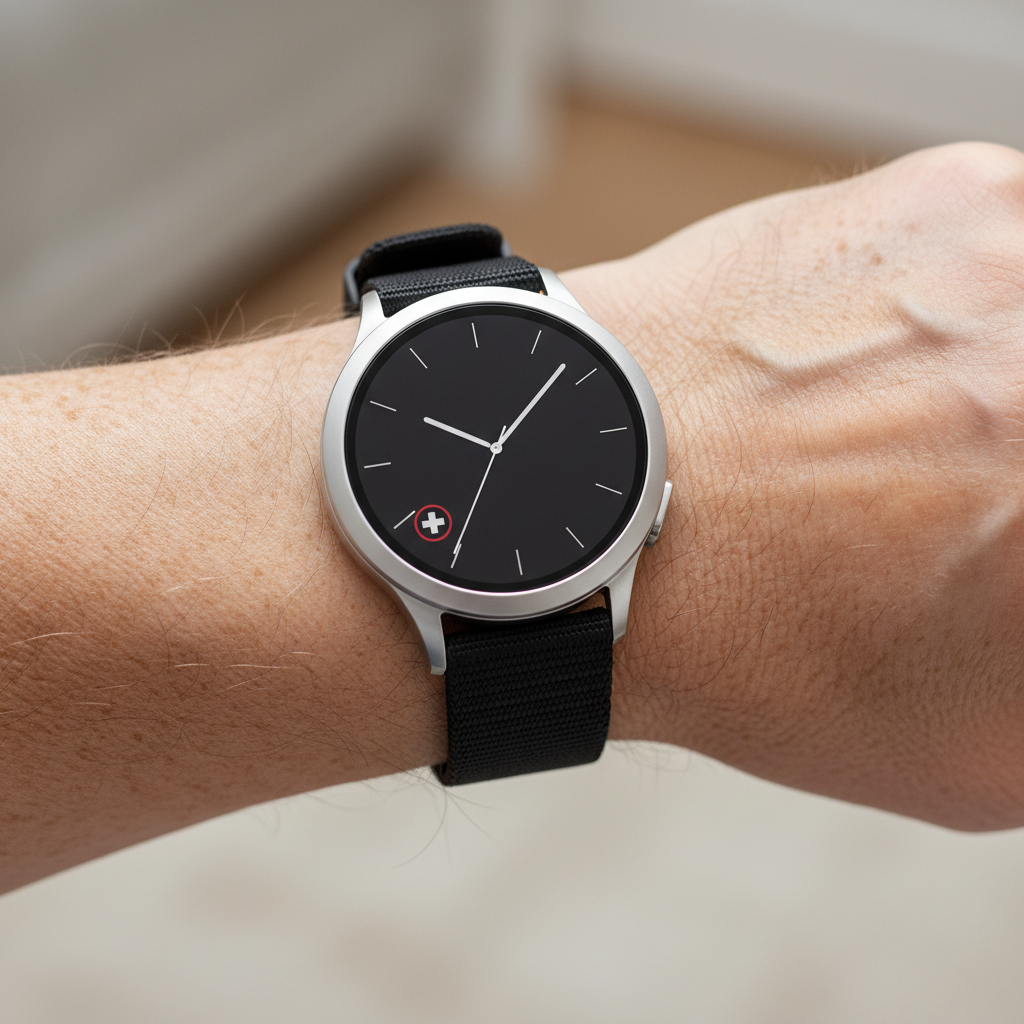
- Bay Alarm SOS Smartwatch is a standalone 4G LTE watch with GPS, step tracking, and a discrete help button—no phone or pairing needed.[6] It looks like a normal smartwatch, which reduces stigma and refusal.
- Lifeline Smartwatch offers a GPS-enabled help button plus heart rate and step tracking, again hiding the alert function inside a familiar watch design.[4]
- UnaliWear Kanega Watch (highlighted by The Senior List) is a dedicated medical alert watch, specifically designed to be worn 24/7 like a regular watch—ideal for users who resist pendants.[5]
For dementia and Alzheimer’s, a watch-based device is often the only long-term wearable they will consistently tolerate.
[Image suggestion: Close-up of an older adult’s wrist wearing a medical alert smartwatch that looks like a typical consumer watch, with a subtle help icon on the screen.]
Real‑World Scenarios: Matching Features to Daily Risks
Scenario 1: “He Just Likes to Walk” (But Sometimes Can’t Find Home)
Priority features: GPS tracking, caregiver app, good battery life, discrete design.
A setup like Bay Alarm SOS Smartwatch or Medical Guardian’s mobile devices allows your loved one to walk freely while you quietly track their location on your phone.[2][3][6] If they’re late coming back, you can quickly see whether they’re still moving safely or stuck somewhere unfamiliar.
Scenario 2: Nighttime Confusion and 2 a.m. Door Opening
Priority features: Auto fall detection, indoor coverage, motion or door sensors, 24/7 monitoring.
Pair a mobile GPS device with an in‑home, no‑landline hub that has motion detection and caregiver alerts, such as Aloe Care Health Essentials Plus, which includes a smart hub with environmental and motion sensors and a mobile companion unit.[3] This lets you detect unusual nighttime movement and still protect them if they fall outside the house.
Scenario 3: “I Can’t Watch Her Every Second” Caregiver Burnout
Priority features: Reliable 24/7 monitoring, clear pricing, easy setup, spouse monitoring.
- Bay Alarm Medical offers free spouse monitoring on many plans and no long‑term contracts, with monthly costs starting under $30 for basic setups and higher for mobile + fall detection.[2][5][8]
- LifeFone also includes free spouse monitoring and no equipment or activation fees on many configurations, with price‑lock guarantees.[2]
These policies matter: you’re not just buying a gadget; you’re locking in a predictable, long-term safety net.
What This All Costs (and How to Think About Price)
Most no‑landline, GPS‑enabled systems with dementia‑friendly features fall into these ballparks (based on 2026 reviews and pricing roundups):[2][3][5][8]
- In‑home cellular-only hubs: About $25–$35/month without GPS, better as a supplement, not a sole solution for wanderers.
- Mobile GPS units or watches: Typically $35–$50/month, plus optional $10/month for fall detection; some charge equipment fees, others bundle them in.
- Full ecosystem (hub + mobile + sensors + app) like Aloe Care Essentials Plus: Higher monthly fees but more all‑around coverage and caregiver data.[3]
Use price anchoring to frame this: one emergency room visit from a fall or wandering incident can easily exceed $1,000. A $40–$50 monthly system is effectively a “subscription to fewer crises.”
Step‑by‑Step: How to Choose the Right Setup for Your Situation
Step 1: Rank Your Top Three Risks
Write down your biggest fears in plain language, for example:
- “She leaves the house and can’t find the way back.”
- “He falls in the driveway taking out the trash.”
- “She’s awake at night and I don’t hear her.”
Then match them:
- Wandering → GPS + caregiver app + (ideally) geofencing.
- Outdoor falls → GPS + automatic fall detection.
- Night roaming → In‑home hub with motion/door monitoring plus mobile backup.
Step 2: Decide on Form Factor First, Brand Second
Ask: what will they really wear?
- If they already wear a watch → look at Bay Alarm SOS Smartwatch, Lifeline Smartwatch, or UnaliWear Kanega.[4][5][6]
- If they tolerate a lanyard → mobile pendants from Bay Alarm Medical, Medical Guardian, or LifeFone with fall detection.[2][3][5]
The best tech is useless if it lives in a drawer.
Step 3: Compare Caregiver App Features (This Is Where Dementia Value Hides)
When you compare systems, don’t just look at monthly price. Compare:
- Does the app show real‑time location?
- Can multiple family members have access?
- Are there alerts for movement patterns or device leaving home?
- Is there a trial period or money‑back guarantee (Bay Alarm, LifeFone, LifeStation Sidekick Home all emphasize trial periods or risk‑free windows)?[1][2]
Step 4: Start Simple, Then Layer In
A practical launch sequence:
- Week 1–2: Start with the wearable GPS device alone. Focus on comfort and daily wear.
- Week 3–4: Add fall detection and ensure everyone understands how calls are handled.
- Month 2+: Consider adding an in‑home hub with motion sensors (Aloe Care style) if nighttime risk is significant.[3]
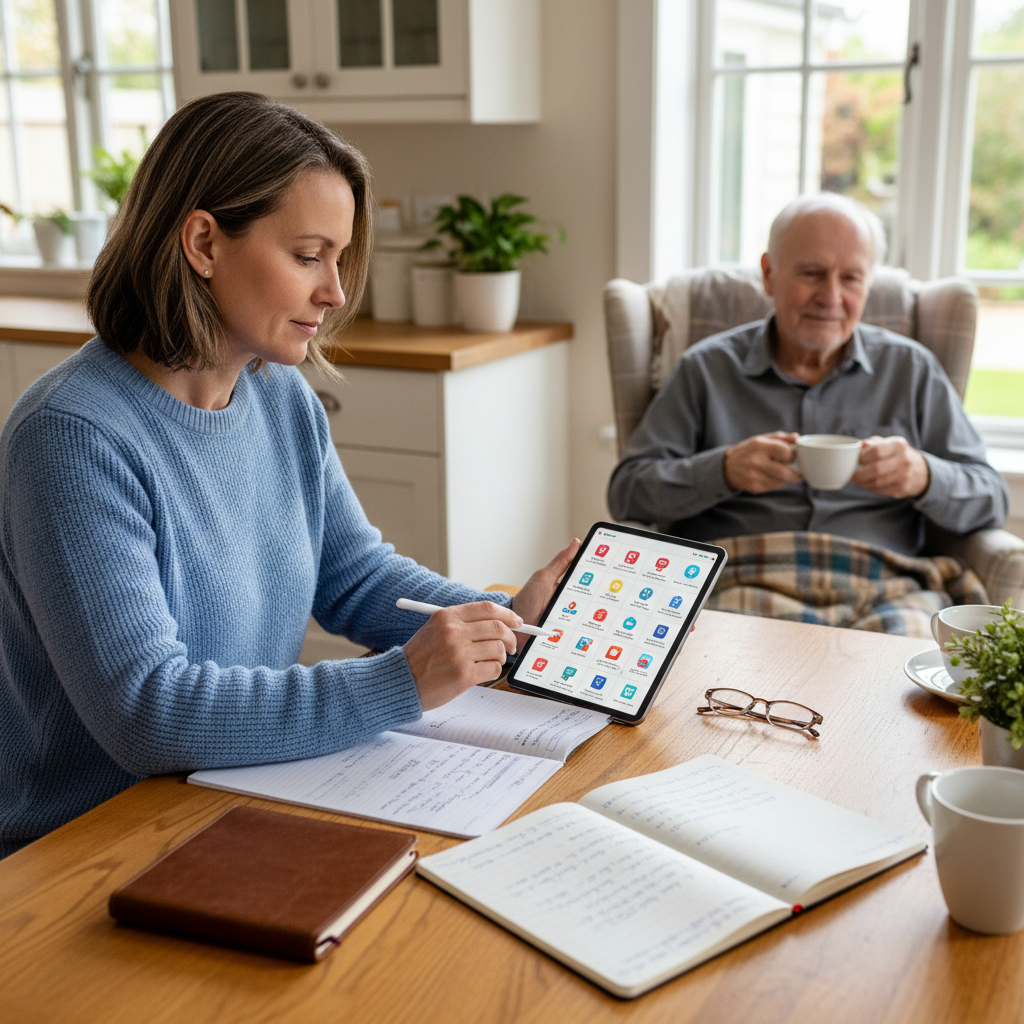
[Image suggestion: Caregiver sitting at a kitchen table with a notebook and tablet, comparing features of different medical alert systems while an older adult with dementia calmly sits nearby.]
Your Next Move: Don’t Wait for the First “Missing” Call
The biggest regret caregivers report is waiting for a scare—a missing‑person alert, a bad fall, a late‑night police call—before putting technology in place. The landscape in 2026 is in your favor: multiple brands now offer no‑landline, GPS‑enabled, dementia‑friendly alert systems with caregiver apps and flexible pricing.[1][2][3][4][5][8]
Within the next 24 hours, you can:
- List your top three risks and desired features.
- Shortlist 2–3 systems (for example: a smartwatch style like Bay Alarm or Lifeline, plus a mobile pendant like Medical Guardian or LifeFone).[2][3][4][5][6]
- Call each provider and ask specific dementia‑care questions: “How does your system help if my mom wanders and can’t press the button?”
- Use their trial or money‑back periods to test real‑world wear and usage in your loved one’s routine.[1][2]
By turning “no landline” from a limitation into a requirement for GPS and caregiver‑centric features, you’re not just buying a device—you’re building a quiet safety net around the most unpredictable parts of dementia and Alzheimer’s care.